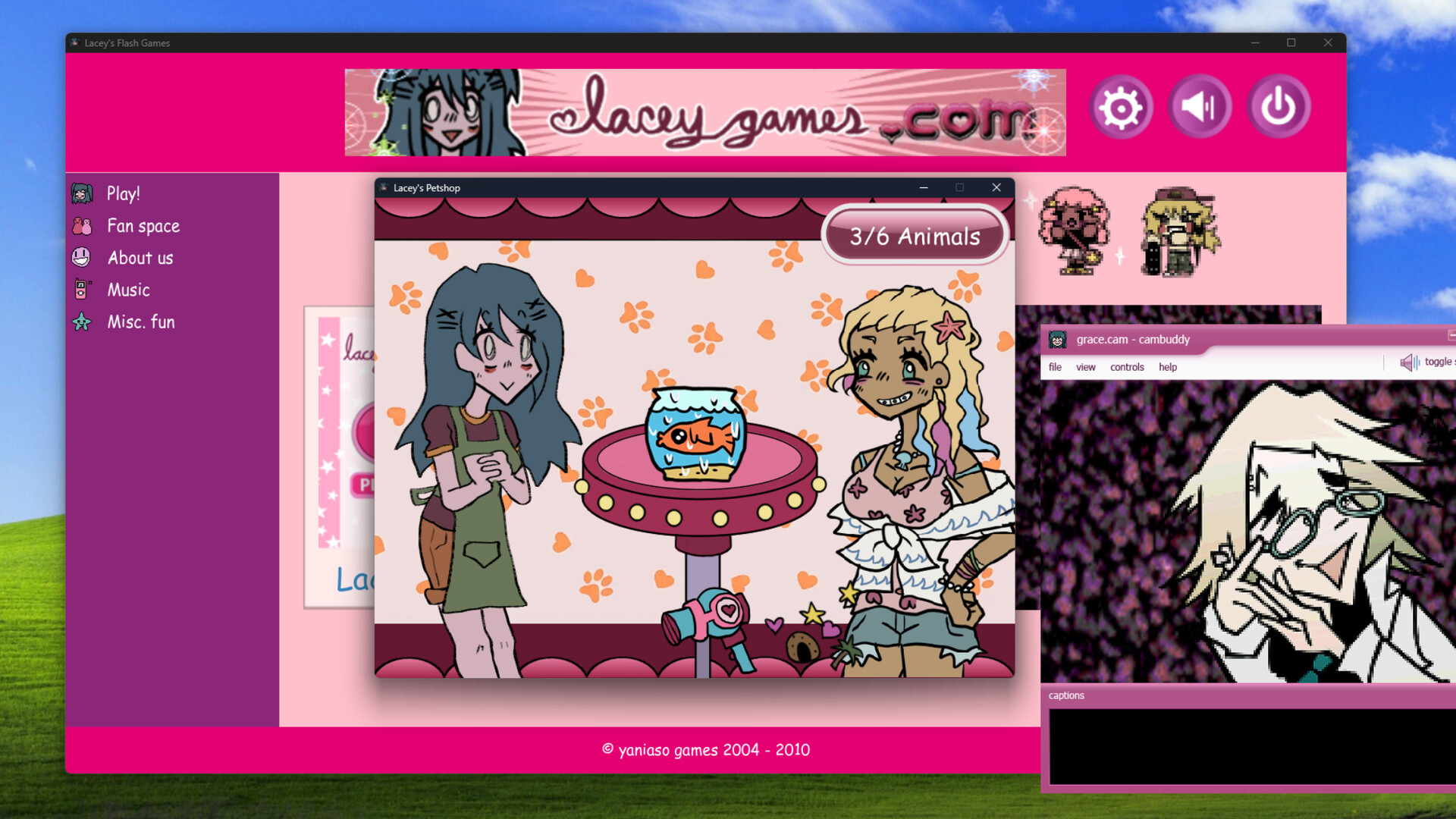
The official Lacey's Flash Games system requirements are modest: Windows 10, 8 GB of memory, DirectX 9.0c, and 500 MB of free storage. Steam also lists a SteamOS and Linux configuration with the same memory and storage figures. These details come from the official Steam listing as it appeared on the morning of October 27, 2026, the planned launch day.
Minimum requirements at a glance
The table below copies the specification groups that the store page published for the full game. It covers the two platforms Steam names and leaves out anything the listing does not state. If the store later adds a recommended tier or a separate graphics line, that newer listing should take priority over this summary.
| Requirement | Windows | SteamOS + Linux |
|---|---|---|
| Operating system | Windows 10 | Ubuntu 20.04 LTS (64-bit) or SteamOS 3.0 |
| Memory | 8 GB RAM | 8 GB RAM |
| Graphics API | DirectX 9.0c | Not listed |
| Storage | 500 MB available space | 500 MB available space |
The storage figure is the most useful number for most players. Half a gigabyte is small for a modern Steam release, so free space is rarely the limiting factor on a laptop or handheld. Memory is the line to compare carefully, because 8 GB is the stated minimum on both platforms rather than a comfortable recommendation.
Will it run on a Steam Deck?
The Steam Deck runs SteamOS 3, which is one of the operating systems named in the Linux configuration. The handheld also ships with more memory than the listed 8 GB and far more storage than the game requires. That makes the published specification a reasonable match, although it is not the same thing as an official Deck compatibility rating.
Valve awards its Verified, Playable, and Unsupported badges through a separate review that the store displays on its own. At the time this page was checked, no such rating had been confirmed for the full game, so this guide does not claim one. Point-and-click controls tend to suit touch screens and trackpads, but text size and cursor precision are the details to watch on a small display.
What about Mac, Android, and consoles?
The store page lists no macOS requirements, so a Mac build should not be assumed from the Windows and Linux entries. Players on Apple hardware sometimes use compatibility layers, yet that is an unofficial setup with its own risks and no developer support. Check the listing again after launch, since a new platform tab is the clearest sign that support has changed.
Android and console editions are not part of the requirements either. Search results that offer an APK or a mobile port are separate from the official Steam package and deserve caution before you download anything. The Android availability guide explains which mobile claims are verified and which come from unrelated listings using the same name.
Languages and content warning
Steam lists English together with six more languages: French, Italian, Spanish for Latin America, Brazilian Portuguese, Russian, and Hungarian. That gives the full game seven supported languages, which matches the language count shown on this wiki's homepage. The exact mix of interface, audio, and subtitle support can differ by language, so the store's language table remains the reference for any single option.
The developers also publish a content descriptor for the game. It warns about violence and insinuations of murder, and it notes that blood, corpses, and dismemberment are present. The bright children's-game presentation is part of the horror, so the cheerful screenshots are not a reliable guide to how intense later scenes become.
Test your PC with the official demo first
The free demo is the simplest way to check performance before any purchase. It is available through the developers' itch.io page and through Steam, and the itch.io file was recorded at 456 MB when an earlier listing was checked. If the demo's Wardrobe, Petshop, and Love Meter sections run smoothly, the similar point-and-click engine of the full collection is unlikely to be a problem.
Use the demo download guide to find the official destinations and avoid mirrors that repackage the installer. A demo test also tells you whether the content warning is acceptable for you before you commit to the larger game. Keep in mind that the full release can add new activities, so the demo shows the style of the game rather than every scene it contains.
Launch day and pricing
The Steam listing gave October 27, 2026 as the release date, and SteamDB's mirrored store data places the unlock at 17:00 UTC. On the morning of that day the page still said the game was not yet available, and it did not display a price. The release-date page converts that hour into common time zones and explains how the demo date differs from the full launch.
Because no price was shown at the time of checking, this guide does not repeat figures from unofficial trackers. Prices and regional discounts appear on the official store once a purchase option exists. The same applies to any launch sale, which should only be trusted when the official Steam page itself displays it.
Troubleshooting common problems
If the game will not start on Windows, confirm that your system is updated and that the DirectX runtime is installed. Old graphics drivers can also cause blank windows or crashes, even in a lightweight game like this one. Updating the driver from the manufacturer's site is usually safer than downloading a random fix from a forum.
On Linux, Steam may offer the game through its native build or through Proton depending on what the developers ship. If one path fails, the game's Properties panel in Steam lets you try a different compatibility option. Report persistent crashes in the official Steam discussion area, where the developers and other players can compare the same build.
Before you buy
The short checklist is simple: Windows 10 or SteamOS, at least 8 GB of memory, and 500 MB of space. Run the demo, read the content warning, and confirm the platform tabs on the store page before you buy. Those three steps answer the compatibility question with official information instead of guesswork from older search snippets.